Sub2Unlock Not Working? 10 Easy Fixes That Actually Work (2026)
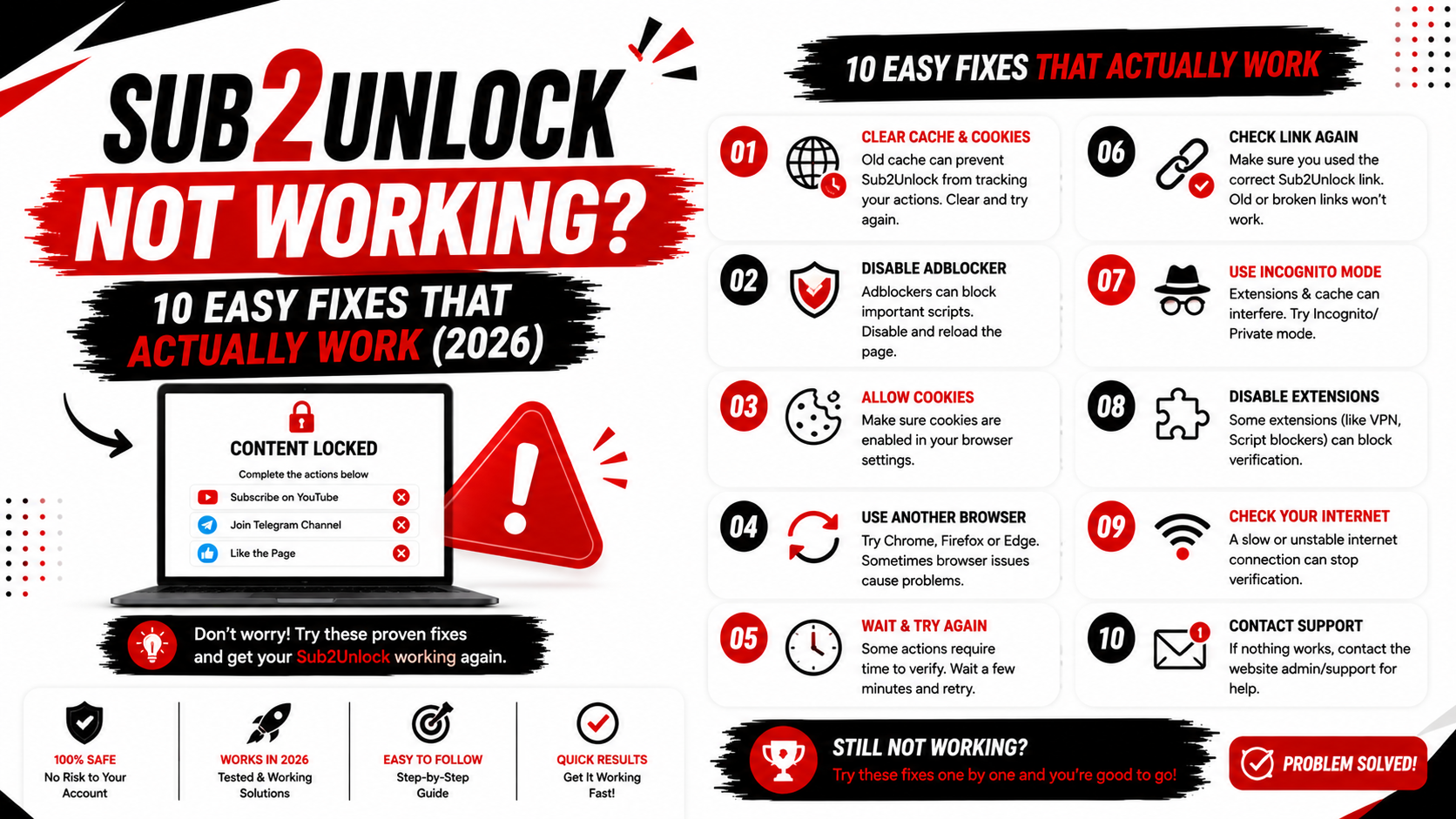
Is your Sub2Unlock link not working?
Whether you're seeing a broken redirect, an unlock page that won't load, or visitors reporting problems, there are several common causes. Most issues can be fixed in just a few minutes.
This guide explains the most common Sub2Unlock problems, how to troubleshoot them, and how to avoid them in the future.
Why Is My Sub2Unlock Link Not Working?
There isn't one single reason why a Sub2Unlock link stops working.
The issue may be caused by:
-
An incorrect destination URL
-
A deleted destination page
-
Browser cache problems
-
Network connectivity issues
-
Mobile browser compatibility
-
Incorrect link configuration
-
Temporary server issues
Before making changes, identify exactly where the problem occurs.
Fix 1: Check Your Destination URL
The most common problem is an incorrect destination link.
Open the original destination directly.
Ask yourself:
-
Does the page load?
-
Has the file been deleted?
-
Was the URL copied correctly?
-
Does it require a login?
If the destination itself doesn't work, the Sub2Unlock link cannot redirect visitors correctly.
Fix 2: Test the Link in Incognito Mode
Sometimes cached data causes unexpected behavior.
Open your Sub2Unlock link in a private or incognito browser window.
If it works there, your browser cache may be causing the issue.
Fix 3: Clear Browser Cache
Cached files can prevent updated pages from loading correctly.
Clear your browser cache and cookies.
Then reload your Sub2Unlock link.
This simple step resolves many loading issues.
Fix 4: Test on Another Device
If the link works on another device, the problem is likely related to your original browser or device configuration.
Test your link on:
-
Android
-
iPhone
-
Windows
-
macOS
Cross-device testing helps identify compatibility problems.
Fix 5: Verify Your Internet Connection
A weak or unstable internet connection may interrupt page loading.
Switch between Wi-Fi and mobile data.
If possible, test from another network.
Fix 6: Confirm the Destination Still Exists
Many creators move or delete files after publishing links.
If your Google Drive folder, cloud storage file, or website page has been removed, visitors cannot access it.
Always verify that the destination is still available.
Fix 7: Review Your Link Settings
If you recently edited your smart link, review every setting.
Check:
-
Destination URL
-
Platform selection
-
Required information
-
Link status
A small mistake during setup can prevent the link from working correctly.
Fix 8: Wait for Temporary Issues to Resolve
Occasionally, temporary service interruptions may affect websites.
If everything appears correct but the page still doesn't load, wait a short time and test again.
Temporary network or hosting issues often resolve themselves.
Fix 9: Test the Link on Mobile
Many visitors use smartphones.
Always open your Sub2Unlock link on:
-
Android Chrome
-
iPhone Safari
-
Mobile Firefox
Testing on mobile helps ensure your audience has a consistent experience.
Fix 10: Create a New Smart Link
If you've checked everything and the issue continues, create a new Sub2Unlock link.
Sometimes starting with a fresh configuration is faster than troubleshooting an older link.
Remember to test the new link before sharing it publicly.
Common Mistakes That Break Sub2Unlock Links
Many issues are caused by simple mistakes.
Examples include:
-
Typing the destination URL incorrectly
-
Sharing a deleted file
-
Linking to private content
-
Forgetting to test before publishing
-
Updating the destination without updating the smart link
Taking a few minutes to review your setup can prevent these problems.
How to Prevent Future Problems
Good habits reduce the chance of broken links.
Before publishing:
-
Test every generated link.
-
Verify the destination page.
-
Check mobile compatibility.
-
Make sure shared resources remain available.
-
Use clear descriptions so visitors know what to expect.
Regularly reviewing older links also helps keep your content up to date.
Frequently Asked Questions
Why does my Sub2Unlock link open a blank page?
This can happen if the destination URL is incorrect, unavailable, or temporarily unreachable. Test the original destination directly.
Why isn't my redirect working?
Check the destination URL, confirm it still exists, and verify your link settings.
Does Sub2Unlock work on mobile?
Yes. Test your generated links on multiple mobile browsers before sharing them.
Should I create a new link?
If troubleshooting doesn't resolve the problem, creating a new smart link is often the quickest solution.
How can I avoid broken links?
Always test your links, keep destination resources available, and review older links periodically.
Final Thoughts
Most Sub2Unlock problems are caused by incorrect destination links, deleted resources, browser cache, or configuration mistakes.
By following the troubleshooting steps above, you can usually identify and fix the issue quickly.
If you're creating new smart links, Sub2Unlock.pro provides a simple way to generate and manage them. Always test your links before sharing them to ensure your visitors have a smooth experience.